
> ai game icon generator
Game icons
for every slot in your UI
Inventory items, skills, spells and status effects — framed, readable at thumbnail size and in the same style as the rest of your game.
try:
item · skill · status iconspixel or paintedtransparent pngcommercial use
// made with spritelab
Icons that read at 48 pixels
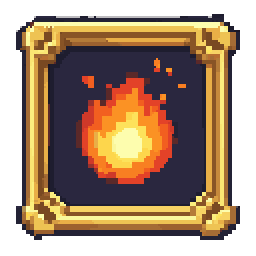
Spell: fireball
skill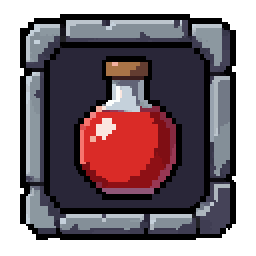
Item: health potion
item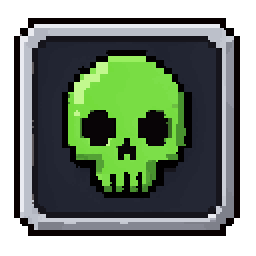
Status: poison
status// icon types
Every icon set a game needs
Item icons
- Weapons
- Potions
- Food
- Materials
- Keys
Skill & spell icons
- Attacks
- Spells
- Buffs
- Passives
- Ultimates
Status & UI
- Status effects
- Buttons
- Frames
- Bars
- Currency
// made for ui
Built for inventories and HUDs
Framed and centred
Icons come with a frame and a filled background inside it, centred so they line up in a grid.
Matching sets
Describe the frame once (“ornate golden frame”) and reuse it across prompts for a consistent set.
Animated icons
Make an icon pulse, shine or unlock with the Animate tool for cooldown-ready and loot-drop UI.
Clean edges
Transparent outside the frame, crisp pixels inside — scales to 32, 48 or 64 px slots with nearest-neighbour.
// example prompts
Icon prompts
>skill icon of a lightning bolt, ornate golden frame>item icon of a red health potion, stone frame>status icon of a green poison skull, silver frame>spell icon of a swirling ice shard, blue rune frame>item icon of an iron key, wooden frame>buff icon of a glowing shield, golden frame
// paste any of these into the generator above — no account needed
// faq
Common questions
Which asset type should I choose for icons?
+
Pick Icons in the generator, then Item Icons, Skill Icons, Status Icons or UI Icons. The framing is tuned for square, readable icons.
Can I make a consistent icon set?
+
Yes — keep the style and the frame description the same across prompts (for example “ornate golden frame”) and only change the subject.
What size are the icons?
+
Icons are 1024×1024 PNGs. Pixel-art icons sit on a real pixel grid, so you can scale them down with nearest-neighbour for 32–64 px inventory slots.
Can I use them commercially?
+
Yes, generated icons can be used in commercial games with no attribution required.
// ship it
Fill your hotbar
Generate a full icon set in minutes.
10 free credits on signup · no credit card required