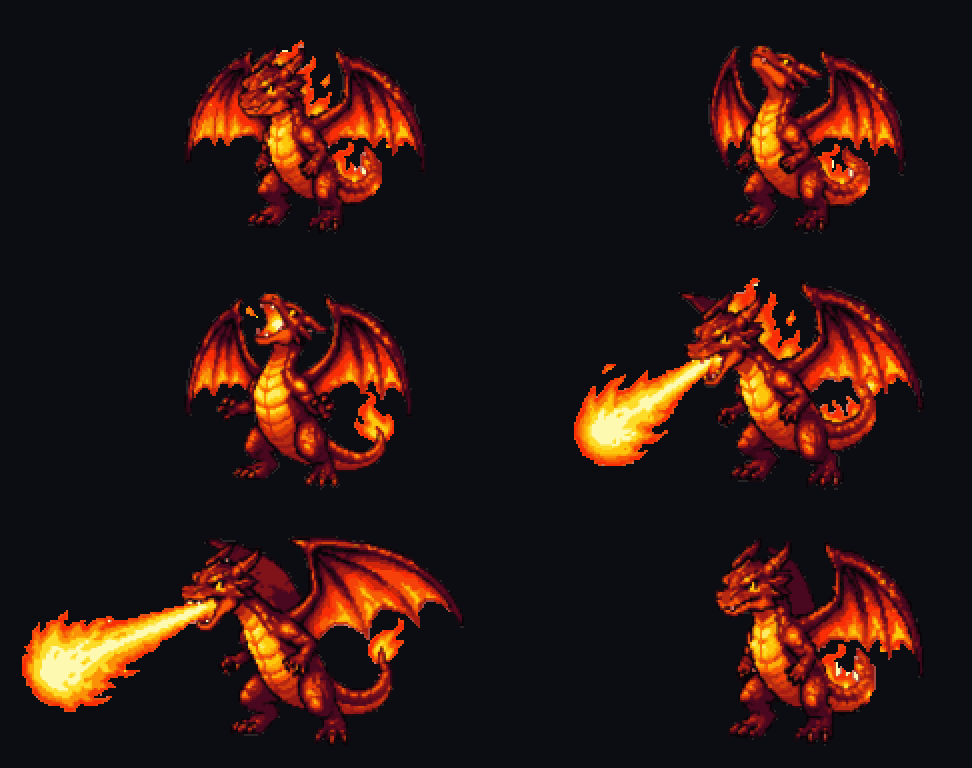
Dragon — fire breath
attackRears back, inhales, a stream of fire shoots forward. The dragon stays planted while the flames reach out.

loading
> ai sprite animation + sprite sheets
Pick a sprite, choose how it moves and get a frame-aligned sprite sheet and GIF. A dragon breathes fire, a dog wags its tail, a car drifts — the motions are planned for each sprite.
// made with spritelab
Every example below was animated from a single generated sprite.
Rears back, inhales, a stream of fire shoots forward. The dragon stays planted while the flames reach out.
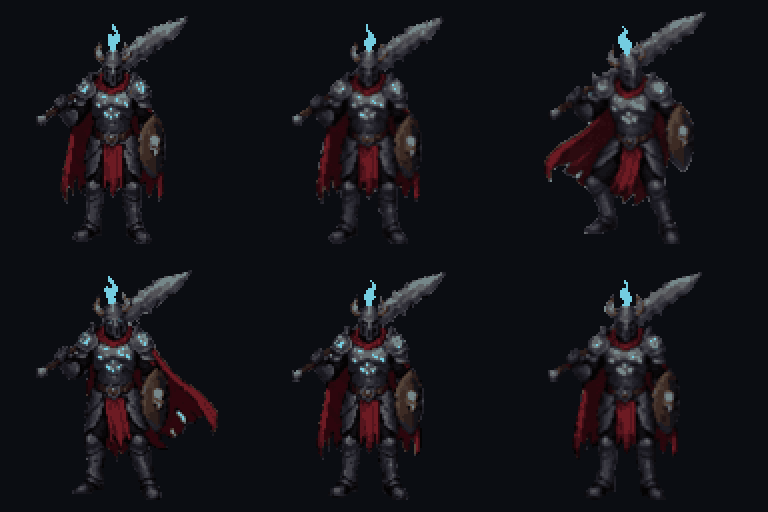
Breathing, weight shift and a swinging cape with feet planted — 8 frames with AI in-betweens.
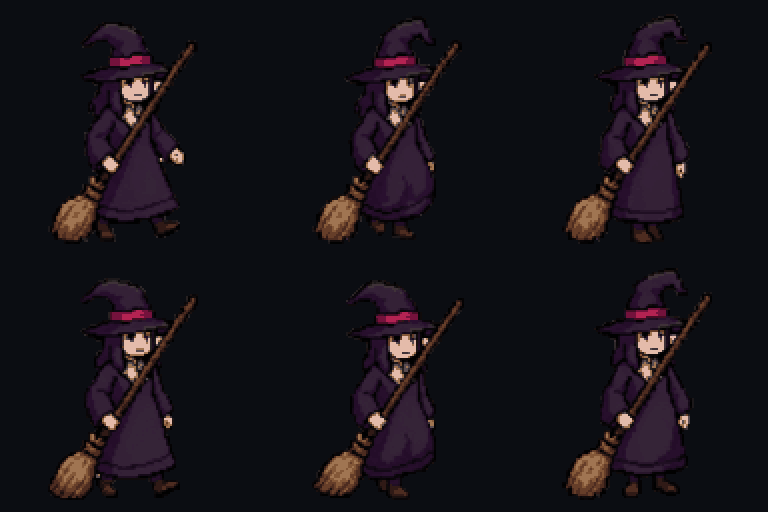
A long dress: no legs are invented — the hem sways with each step.
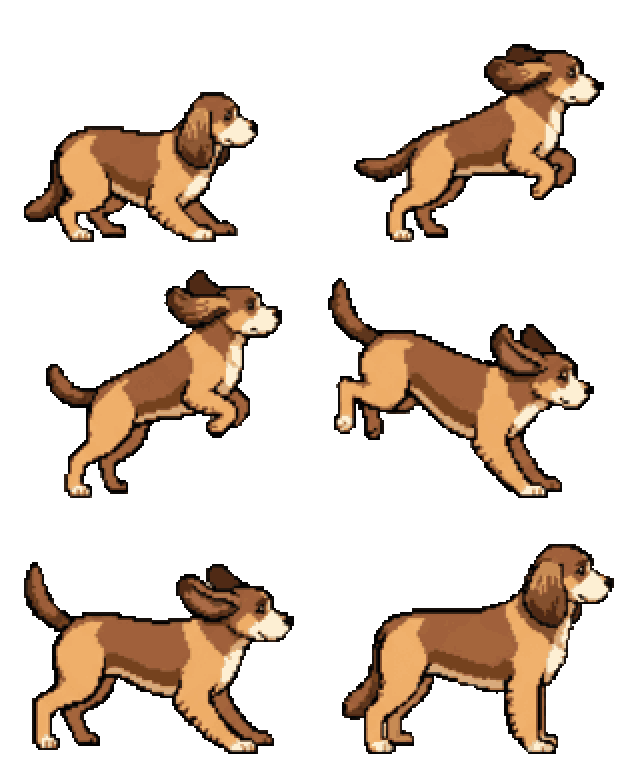
Crouch, take-off, peak and landing — the height of the jump is kept in the sheet.
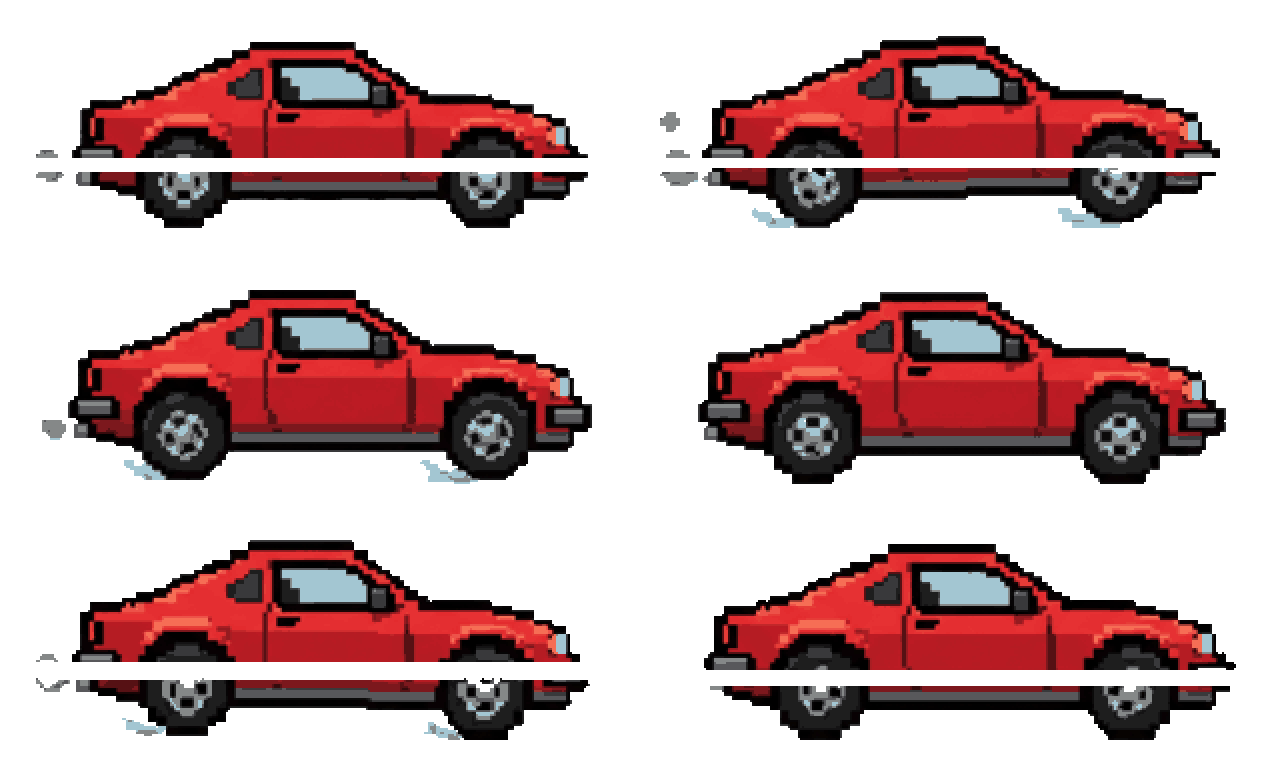
Wheels turn, the body bounces on its suspension, exhaust puffs out the back.
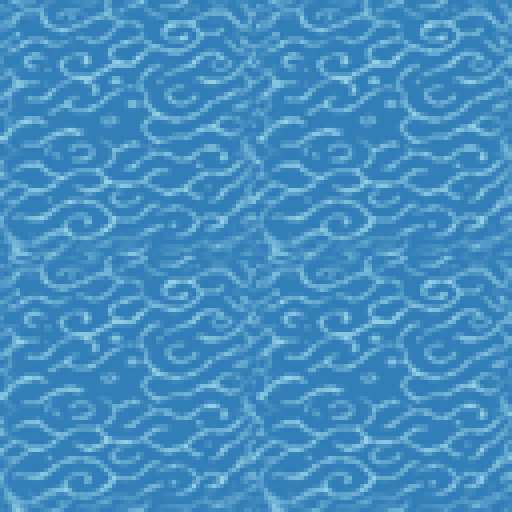
Seamless tiles animate too: ripples flow while the tile still repeats.
// built for game dev
AI looks at the sprite and suggests what it can do — Bark and Sit for a dog, Drift and Crash for a car, Ignite for a flaming sword — or describe your own move.
Frames are aligned on the body (not the feet), share one pixel grid and one palette, so nothing jitters or flickers.
AI draws an in-between pose between every pair of key poses, so 9 key poses become an 18-frame animation that flows instead of stepping.
A horizontal sprite sheet of equal-size frames, the frames as separate PNGs in a ZIP, and a GIF preview.
// motions
// how it works
Any sprite from your assets — a character, creature, weapon, item, vehicle or tile.
Use a suggested motion, set 4, 6 or 9 key poses and turn on smooth mode for in-betweens.
Sprite sheet PNG, frames ZIP and GIF — slice the sheet by cell size in Unity or load it into Godot's SpriteFrames.
// faq
A horizontal sprite sheet: one row of equal-size frames with a transparent background, plus the frames as separate PNGs in a ZIP and an animated GIF preview.
4, 6 or 9 key poses. Smooth mode adds an AI-drawn in-between for every pair, giving 8, 12 or 18 frames.
An idle loop costs 2 credits. Other motions cost 6 credits for 4 frames, 8 for 6 and 10 for 9; smooth mode (twice the frames) adds 5–7 credits.
Yes — creatures, weapons, items, vehicles, effects, icons and seamless tiles. The motions are suggested for the specific sprite.
// ship it
Generate a sprite and animate it in under two minutes.
10 free credits on signup · no credit card required