
> ai sprites for godot 4
AI sprites for Godot
straight into SpriteFrames
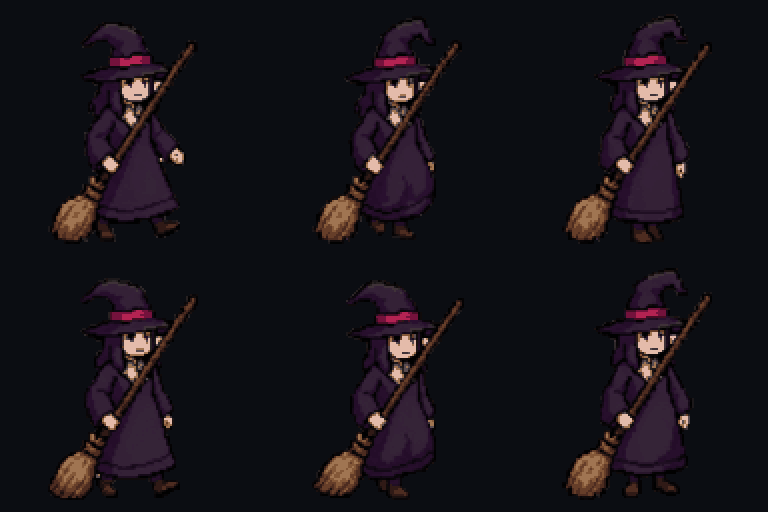
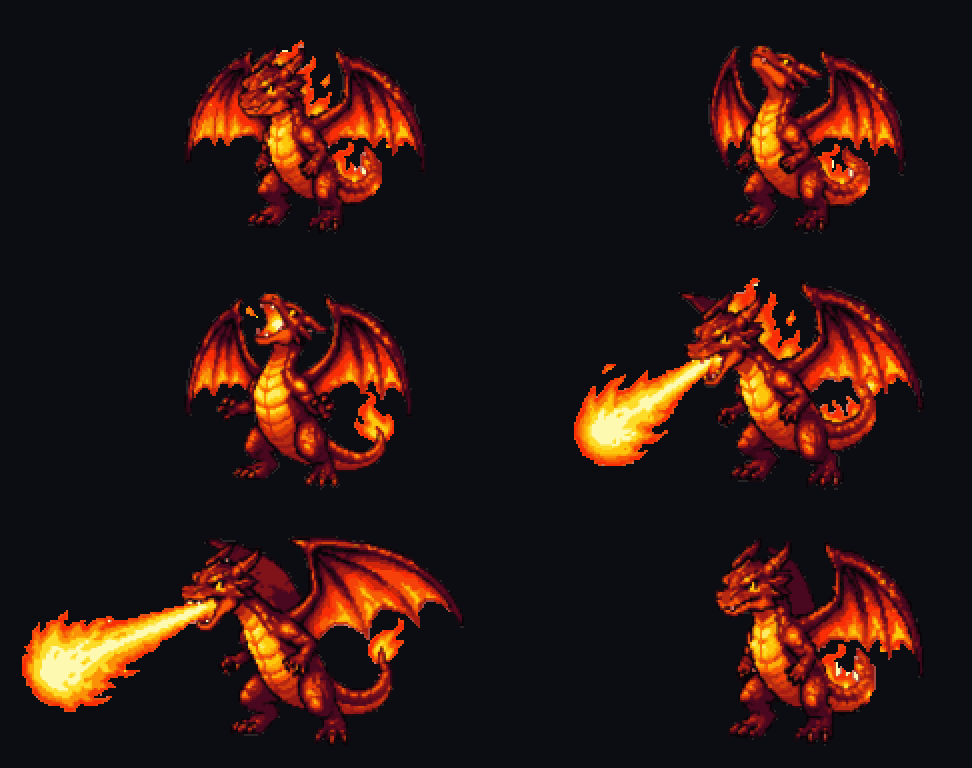
Generate characters, creatures, items and tiles, animate them into sprite sheets, and load them into Sprite2D or AnimatedSprite2D in a minute.
// import guide
Use it in Godot 4 in five steps
- step_01
Step 1
Download the sprite (PNG) or the sprite sheet from SpriteLab and copy it into your Godot project folder.
- step_02
Step 2
For pixel art, set Project Settings → Rendering → Textures → Default Texture Filter to 'Nearest' so pixels stay sharp.
- step_03
Step 3
Single sprite: add a Sprite2D node and drag the PNG into its Texture property.
- step_04
Step 4
Animation: add an AnimatedSprite2D, create new SpriteFrames, click 'Add frames from sprite sheet', set Horizontal to the number of frames and Vertical to 1, select all frames and add them.
- step_05
Step 5
Set the animation speed (e.g. 8–12 FPS), enable Loop for idle and walk cycles, and call play() from your script.
// why it fits godot
Made for AnimatedSprite2D
One-row sheets
Set Horizontal to the frame count and Vertical to 1 in 'Add frames from sprite sheet' — that's the whole setup.
Feet on one baseline
Frames are aligned on the body, so the sprite doesn't slide or bob unintentionally while it plays.
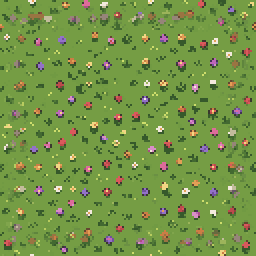
Seamless tiles
Floor and wall tiles repeat without seams — use them as a TileSet atlas source or a repeating texture.
Crisp at any scale
Pixel art is on a real grid; with the Nearest texture filter it stays sharp in a pixel-perfect viewport.
// explore
Made with SpriteLab
Hover any sprite to reuse its prompt — no account needed.

a knight with a sword and shield

a flaming fire sword

a cute fox mage

a goblin archer with a bow, side view

a red health potion bottle

a green slime monster

an ice crystal staff

an armored knight with a longsword

// faq
Common questions
How do I load a SpriteLab sprite sheet in Godot 4?
+
Add an AnimatedSprite2D, create new SpriteFrames, click 'Add frames from sprite sheet', set Horizontal to the number of frames and Vertical to 1, then select all frames.
Why is my pixel art blurry in Godot?
+
Set Project Settings → Rendering → Textures → Default Texture Filter to Nearest (or set the node's Texture Filter to Nearest).
Does SpriteLab export Godot TileSet resources?
+
No — it exports PNG tiles and sprite sheets. Add a tile PNG as an atlas source in a TileSet to paint with it.
Can I use the assets in a commercial Godot game?
+
Yes, assets you generate can be used in commercial projects.
// ship it
Ship your Godot game faster
Generate sprites, animations and tiles for your project.
10 free credits on signup · no credit card required