
> ai sprites for unity 2d
AI sprites for Unity
prompt → PNG → scene
Generate characters, items and tiles, animate them into sprite sheets, and import them into Unity 2D with the usual Sprite Editor workflow — no plugins needed.
// import guide
Import into Unity in five steps
Works in Unity 2021 LTS and newer with the 2D Sprite package.
- step_01
Step 1
Download the sprite (PNG) or the sprite sheet from SpriteLab.
- step_02
Step 2
Drag the file into your Unity project's Assets folder.
- step_03
Step 3
Select it and set Texture Type to 'Sprite (2D and UI)'. For pixel art set Filter Mode to 'Point (no filter)' and Compression to 'None'.
- step_04
Step 4
For a sprite sheet set Sprite Mode to 'Multiple', open the Sprite Editor, choose Slice → Grid By Cell Size and enter the frame width and height (every SpriteLab frame has the same size), then Apply.
- step_05
Step 5
Select the sliced frames and drag them into the Scene — Unity creates an Animation clip; adjust the sample rate (e.g. 8–12 fps).
// why it fits unity
Assets shaped for the Sprite Editor
Equal-size frames
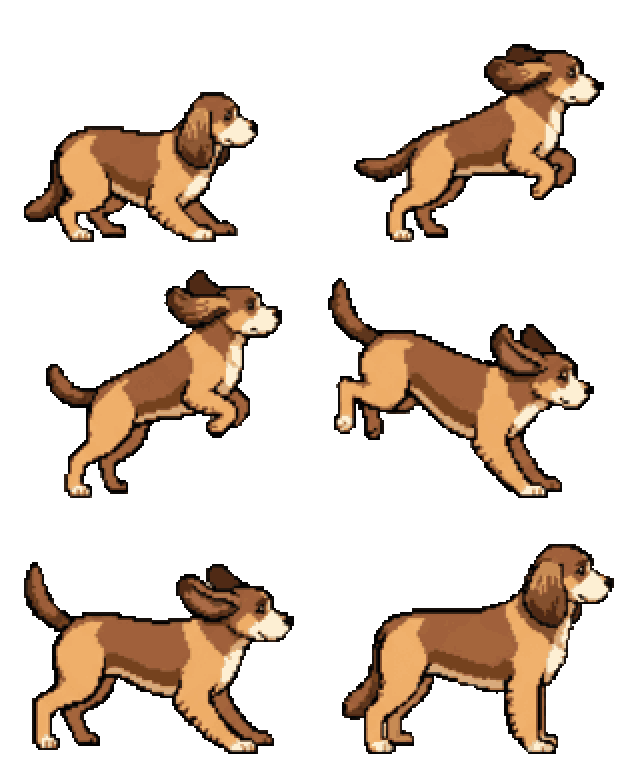
Sprite sheets are one row of identical cells, so Slice → Grid By Cell Size cuts them perfectly every time.
Stable pivots
Frames are aligned on the body with feet on one baseline, so a bottom-centre pivot doesn't jitter between frames.
Crisp pixel art
Pixel art is on a real grid — with Point filtering and no compression it stays sharp at any zoom.
Organised packs
Generate a whole project, let it sort into folders, and download a ZIP that mirrors a tidy Assets folder.
// explore
Made with SpriteLab
Hover any sprite to reuse its prompt — no account needed.

a knight with a sword and shield

a flaming fire sword

a cute fox mage

a goblin archer with a bow, side view

a red health potion bottle

a green slime monster
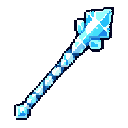
an ice crystal staff

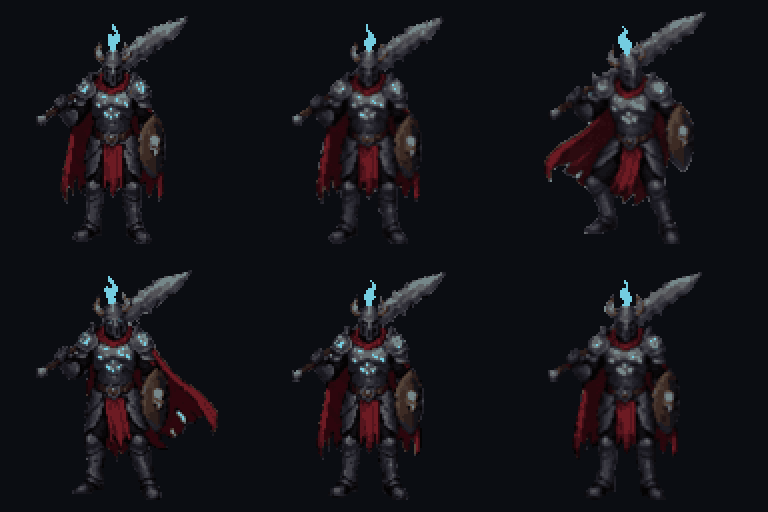
an armored knight with a longsword

// faq
Common questions
Do I need a Unity plugin?
+
No. SpriteLab exports standard PNG files and sprite sheets that Unity imports natively.
How do I slice a SpriteLab sprite sheet in Unity?
+
Set Sprite Mode to Multiple, open the Sprite Editor, choose Slice → Grid By Cell Size and enter the frame width and height — every frame in a SpriteLab sheet has the same size.
Why does my pixel art look blurry in Unity?
+
Set the texture's Filter Mode to Point (no filter) and Compression to None. SpriteLab pixel art is on a real pixel grid, so it stays sharp with those settings.
Can I use the assets in a commercial Unity game?
+
Yes, assets you generate can be used in commercial projects.
// ship it
Fill your Assets folder
Generate sprites and animations for your Unity project.
10 free credits on signup · no credit card required